
Getting Started
Installation
Install the theme package:
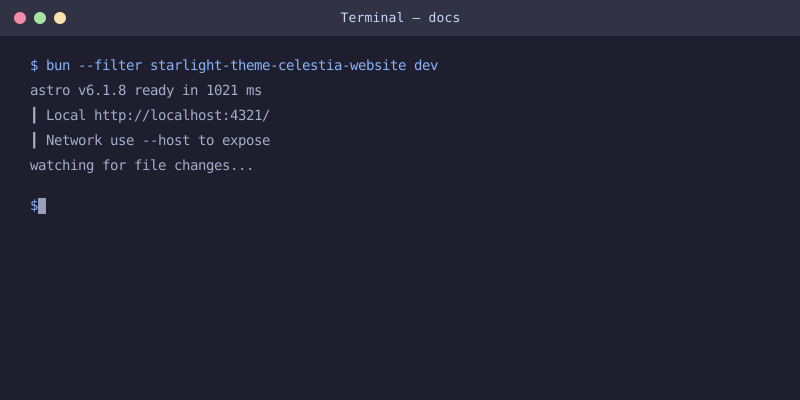
Once installed, start the dev server:
Configuration
Add the theme plugin to your astro.config.mjs:
Options
The theme accepts the following options:
nav
An array of navigation items to display in the header bar.
stylingSystem
Controls whether to use Tailwind CSS or plain CSS. Defaults to "detect" which auto-detects Tailwind in your project.
Multi-Sidebar
Turn every top-level group of your sidebar config into an independent switchable sidebar:
See the multi-sidebar guide for the switcher styles and the sidebar requirements.
Features
- No sidebar borders — Clean, seamless layout
- Inter font — Self-hosted via
@fontsource/inter, 14px base size - Wider content —
55remcontent width (up from default50rem) - Narrower sidebars —
17remsidebars for better content focus - 3-way theme toggle — Cycles through Auto, Light, and Dark
- Warm accent colors —
#fb923c(dark) /#c2410c(light) - Multi-sidebar — Built-in switchable sidebars, one per top-level
sidebargroup